Change Language
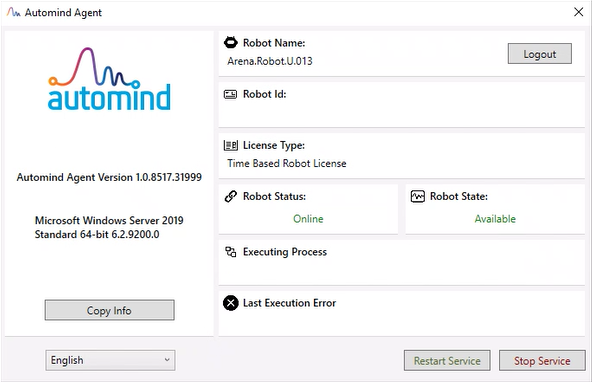
In the Automind Agent application, the interface language can be changed by using the language selection box located in the bottom left corner of the main screen. To do this, run the application, select the desired language from the language selection field, and the application will be restarted in the language you have chosen.