Close
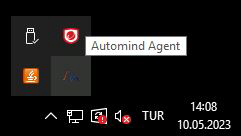
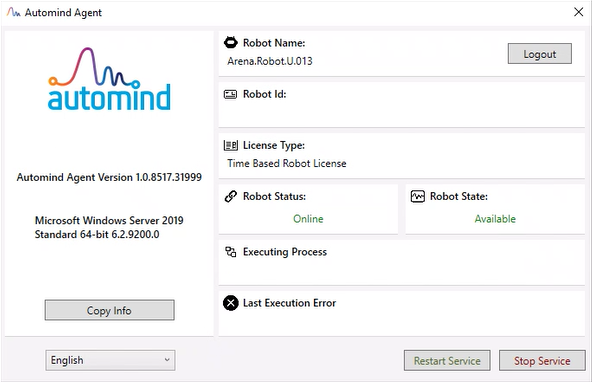
The Automind Agent application is designed to run continuously on the computer on which it is installed. When you click on the "Close" icon on the main screen to close the application, the main screen is hidden and the application continues to run in the background.
To completely shut down the agent application, right-click on the Automind Agent icon in the task manager and select the "Close" option from the menu that appears.
However, unless the "Stop Service" option is selected from the agent application, the Automind Robot Service will continue to run in the background.