Nonworking-Days
Page that lists non-working days.
The list screen displays the name of non-working days.
The functions of the buttons on the screen that opens when the "Actions" button in the list is clicked are as follows:
- View: Detailed information about the non-working day can be viewed.
- Edit: The screen where the information of the non-working day can be changed.
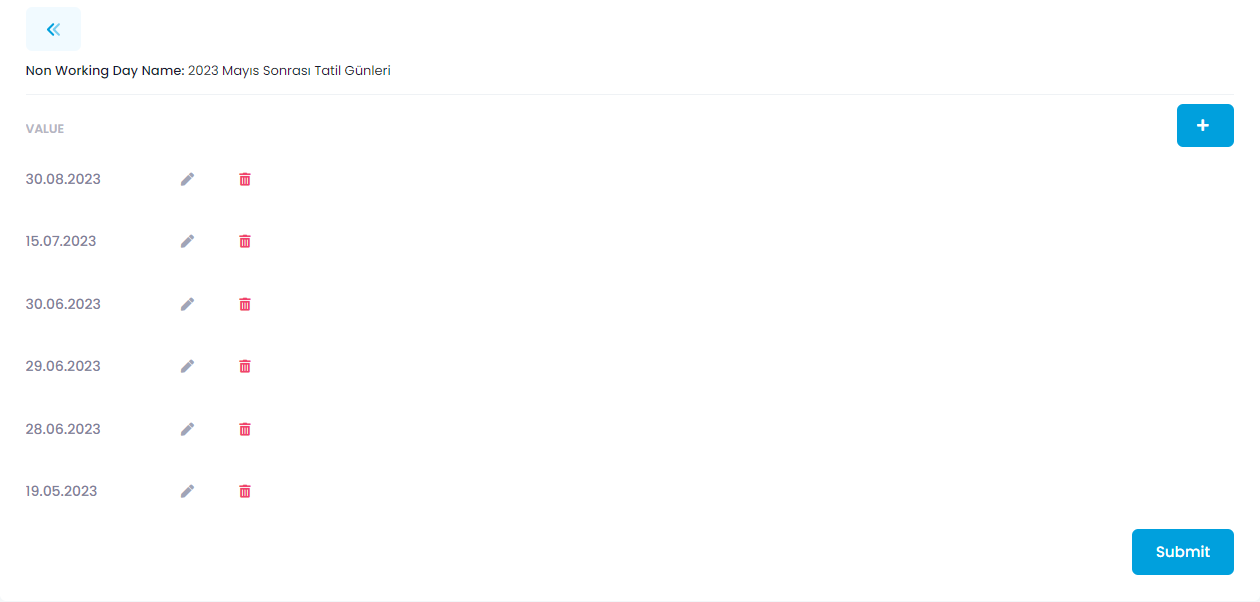
- Manage: Used to add days to the non-working day object.
- Delete: Used to delete the non-working day.
What is the Purpose of Non-Working Days?
The working days of triggers to be created from the processes developed in the Automind Studio application can be restricted. For this, it is sufficient to select the non-working day created in the trigger creation or editing screen.
In the example below, holiday days from May 2023 onwards are listed. Triggers that have this non-working day selected will not work on the days specified here. To add a new day, simply select the date on the screen that opens by clicking the "+" button in the example below.