Closing a Project
To close an open project, first click on the login tab from the top left menu. On the opened page, close the project by clicking on the "Close" button on the left menu.
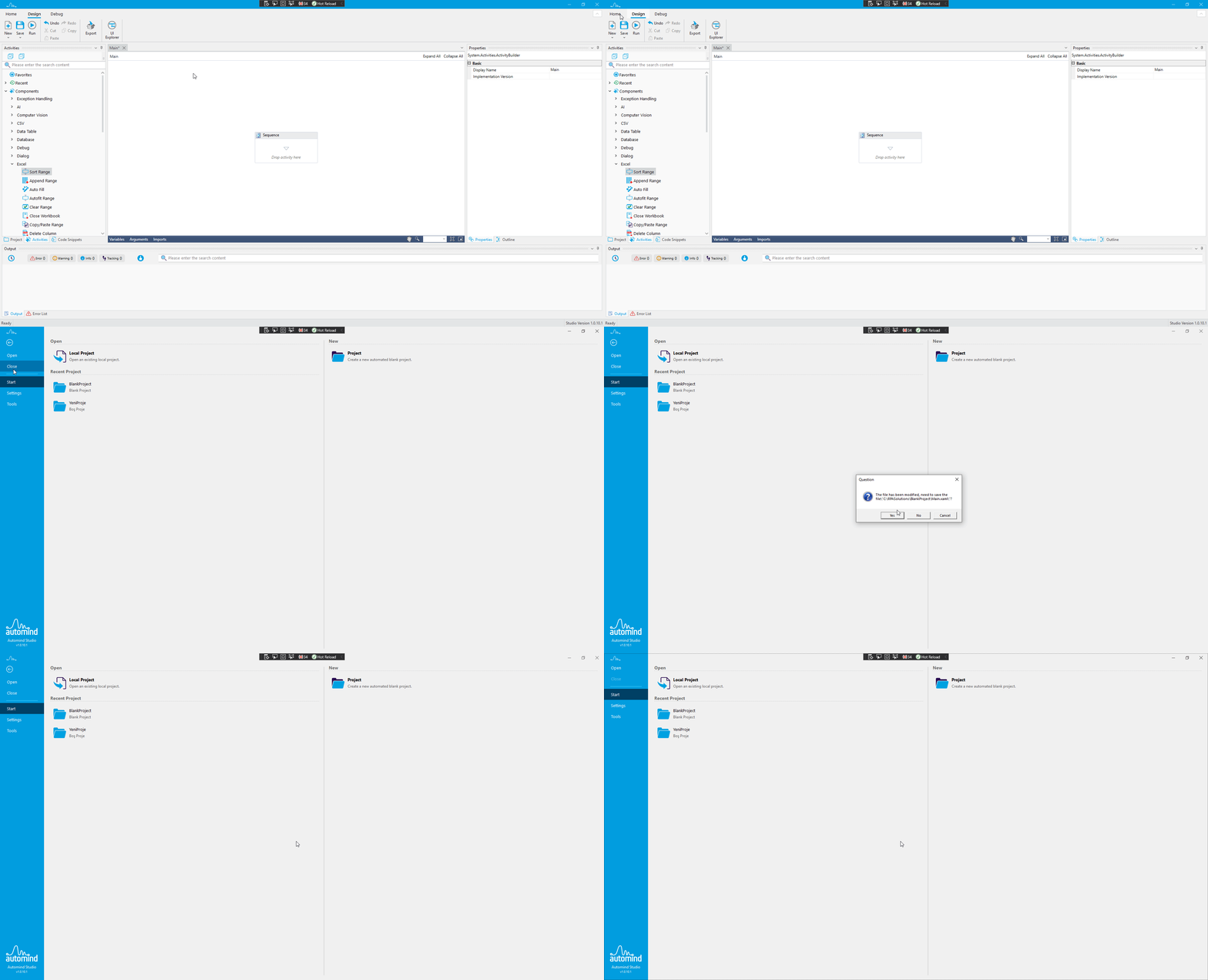
Closing Project
If you have unsaved changes, a window will appear as shown below, asking if you want to save the changes.

Do you wan to save changes?
When prompted:
- If you select "Yes", the project will be closed by saving the changes you made.
- If you select "No", the project will be closed without saving the changes you made.
- If you select "Cancel", the project closing process will be cancelled.