Opening a Project
To open a previously created project, follow the steps below:
- If the project you want to open is one that you have recently created, you can quickly select it from the project section on the homepage.
- If the project you want to open is not in the Projects section, you can click the Open button in the left navigation menu or click the Local Project button on the homepage to select and open the project from the window that appears.
- In the opened window, select the Workflow Project file (.xaml) or the Nuget Package file (.nupkg) to open the appropriate project.
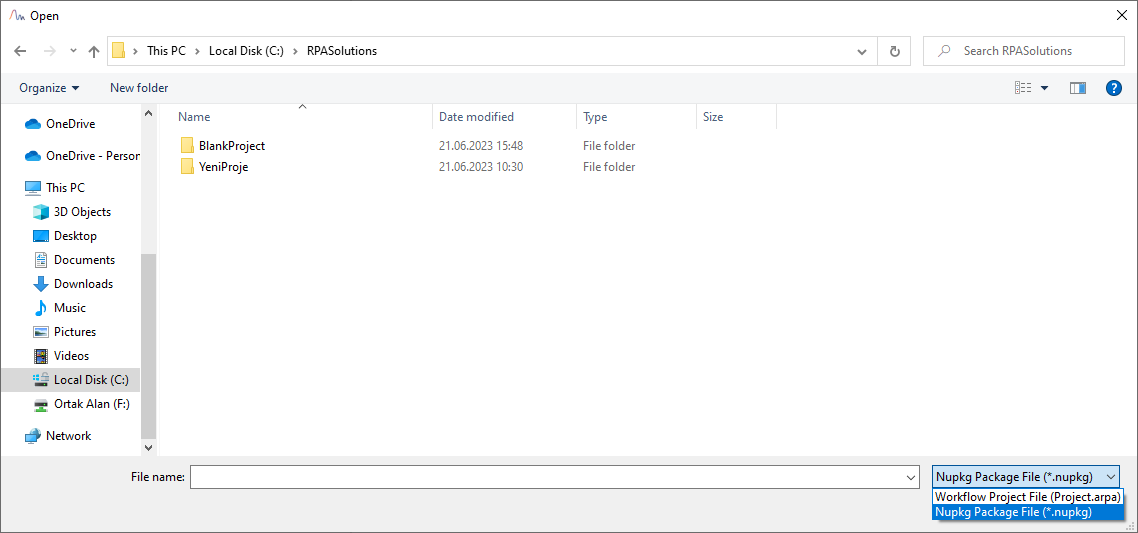
Open Project Window